Testing Servers Communication
Testing Server Communication
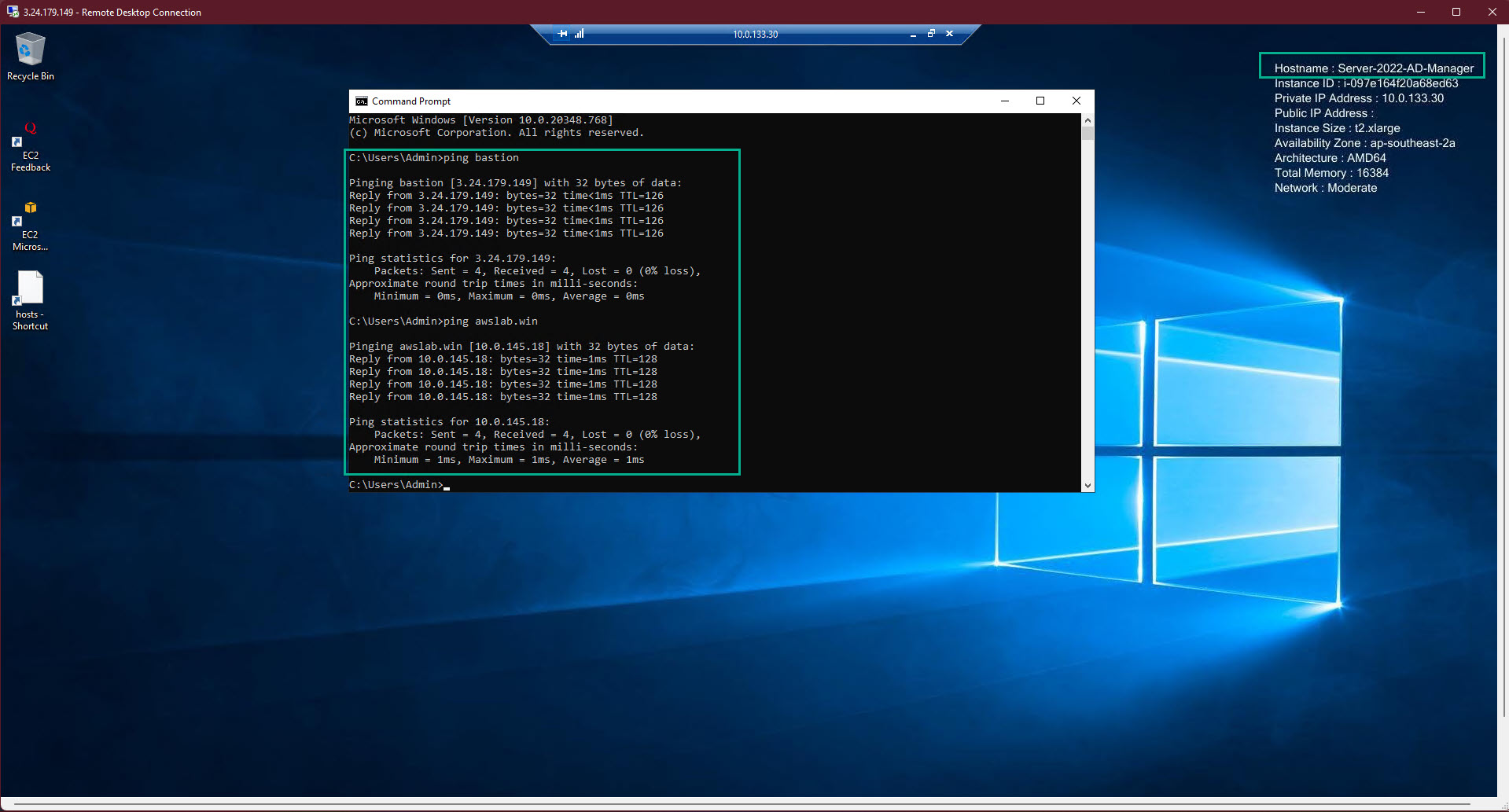
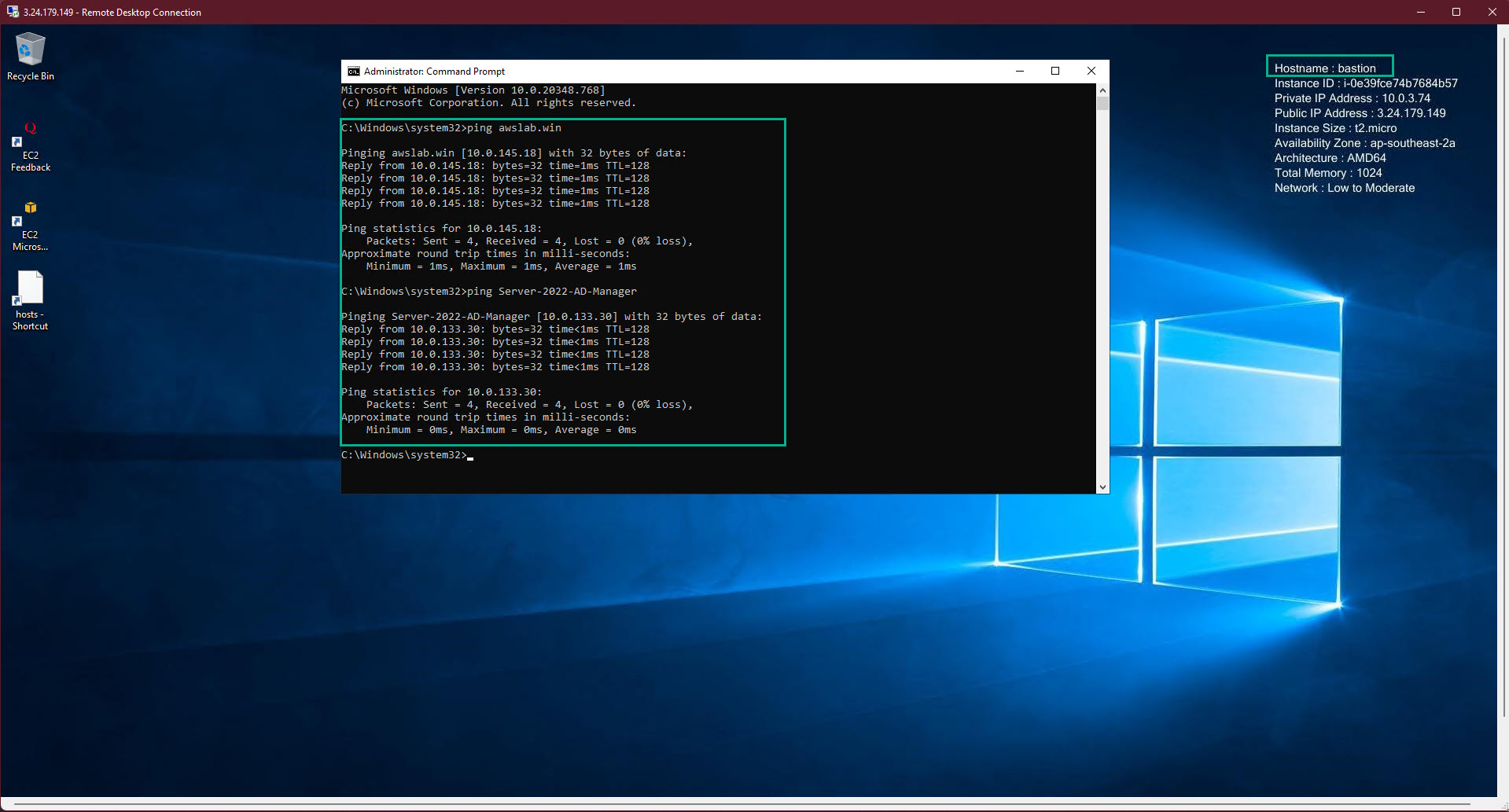
- On each server, we perform to ping with both server name and server ip address to make sure that both ways communication are working perfectly on ALL EC2 server
- Pay attention at my EC2 server name at the top right corner
-
Based on the ping result, we can confirm that all of our servers are working perfectly and be able to communicate with each others in both ways: by ip and by computer name
-
this will benefit for later work with the infradtructure
-
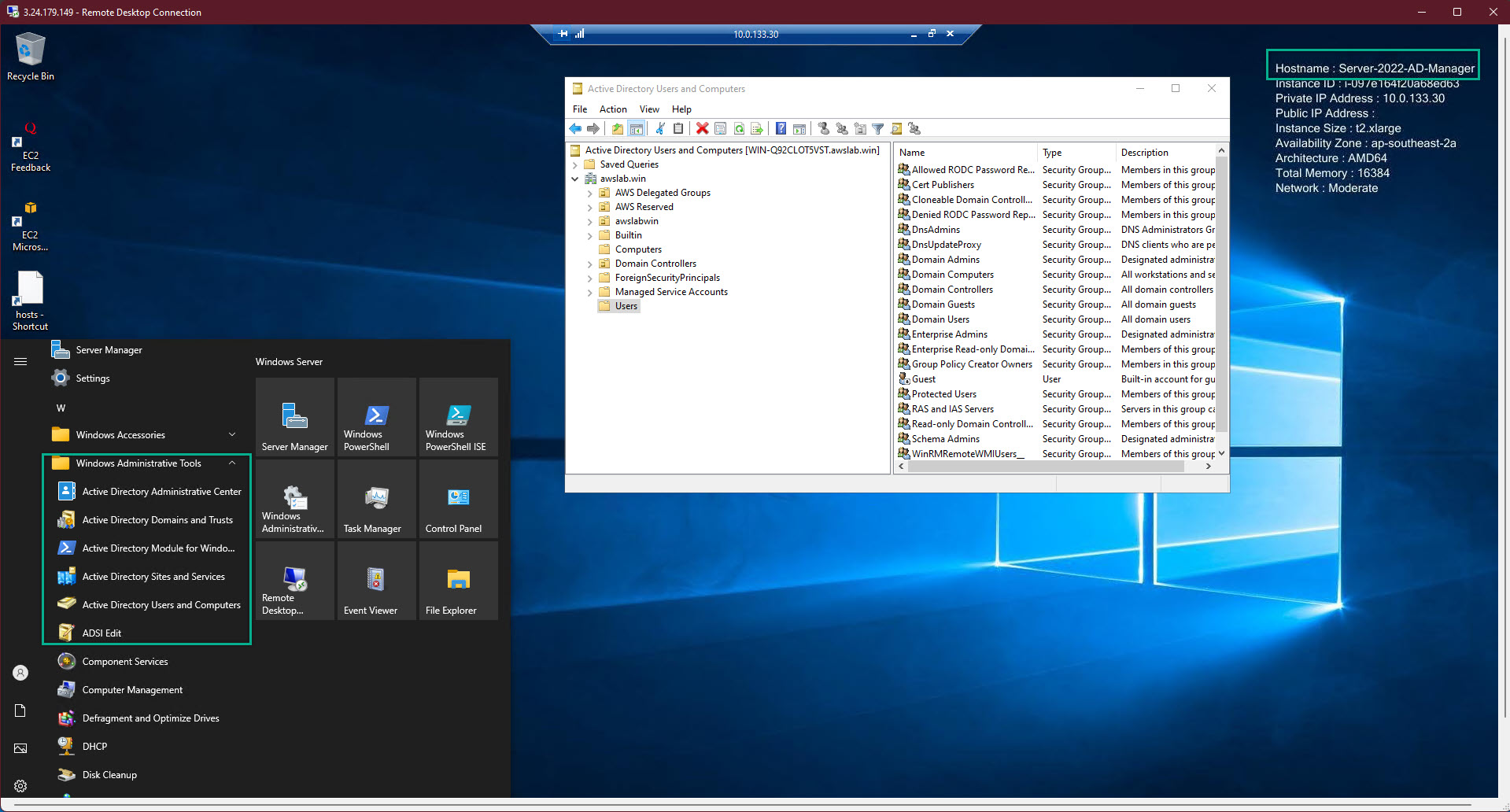
Get back to EC2 AD-Manager => Active Directory User and Computer => we will see that there is nothing different between Windows Server on-premise and Windows Server on AWS
- AWS help us reduce the large amount of risky tasks
- Especially the SDN (Software Defined Network) which assisted a lot in term of ip addressing